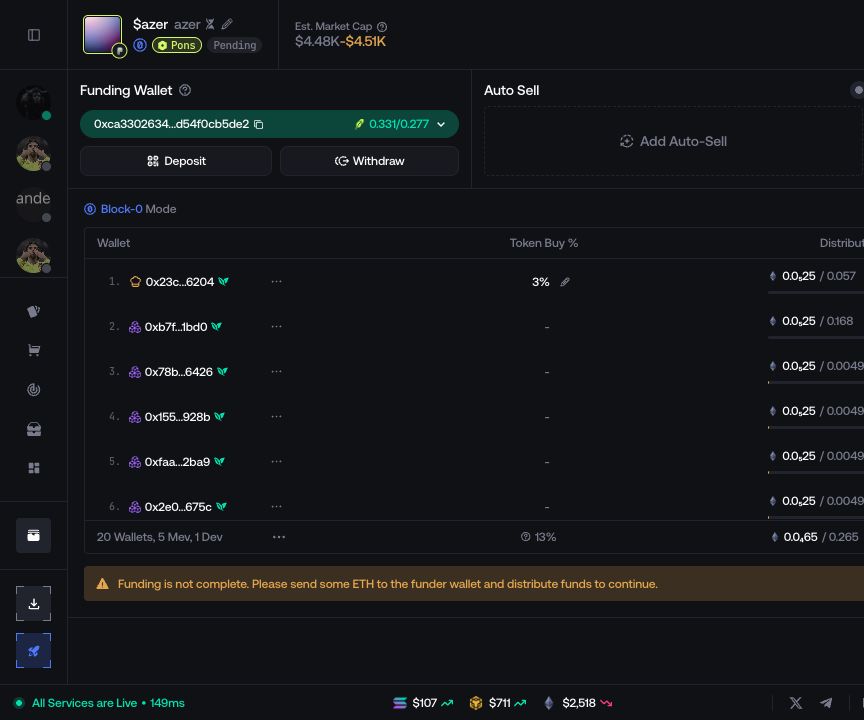
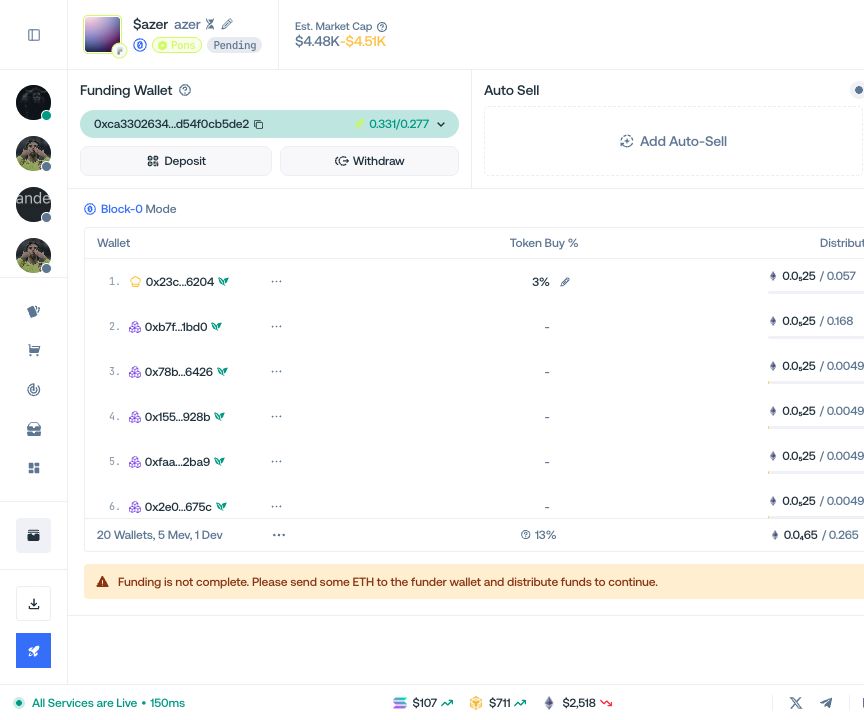
Fund the launch
Choose a Funder, deposit the required asset, and distribute it to the launch wallets.
Choose the Funder
Select a saved Funder, New Funder for a reusable account wallet, or Fresh Funder for a temporary wallet attached only to this launch.
Deposit the required asset
Select Deposit, send the required asset to the displayed address on the displayed network, and wait for the balance to update.
Review the wallet plan
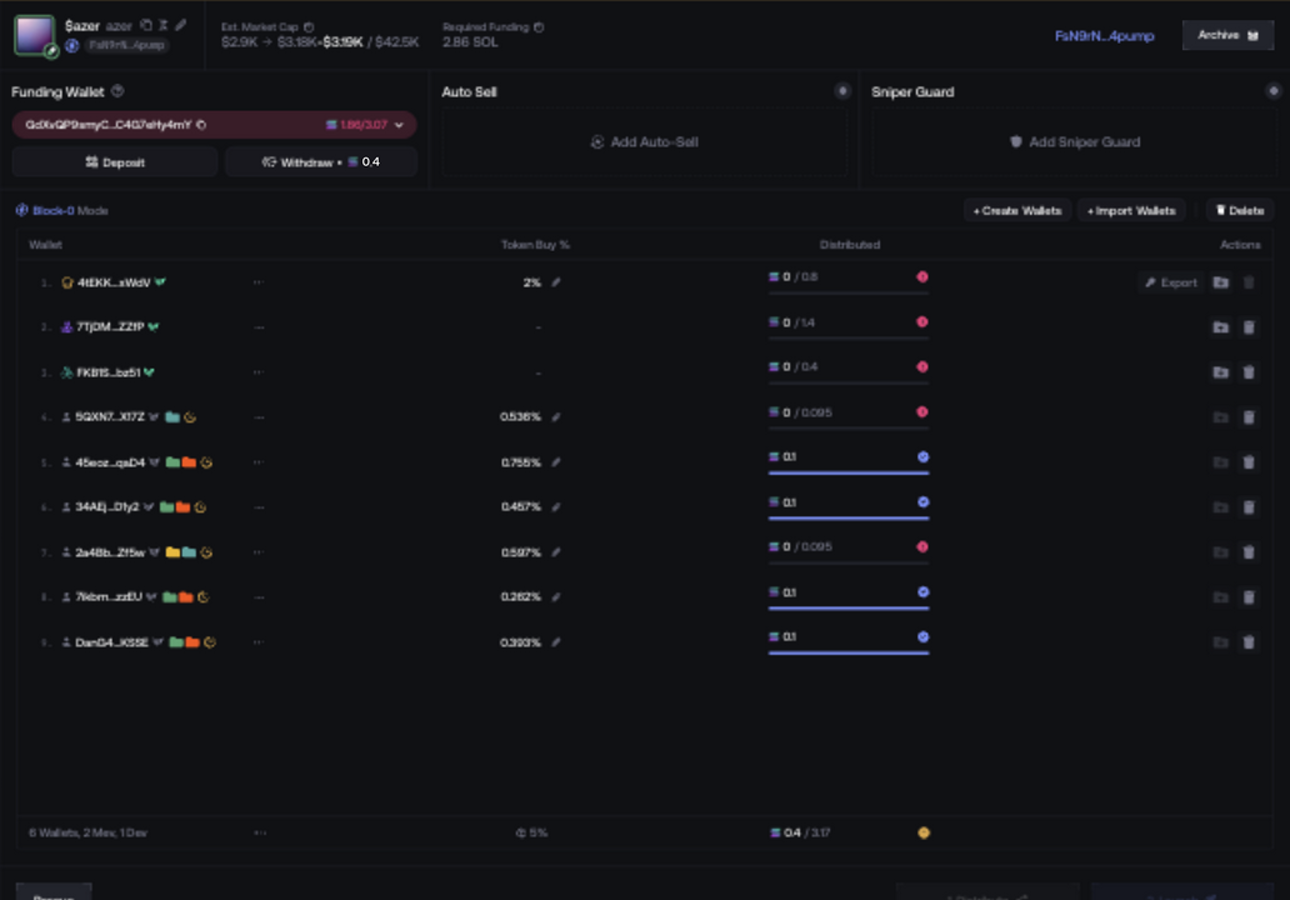
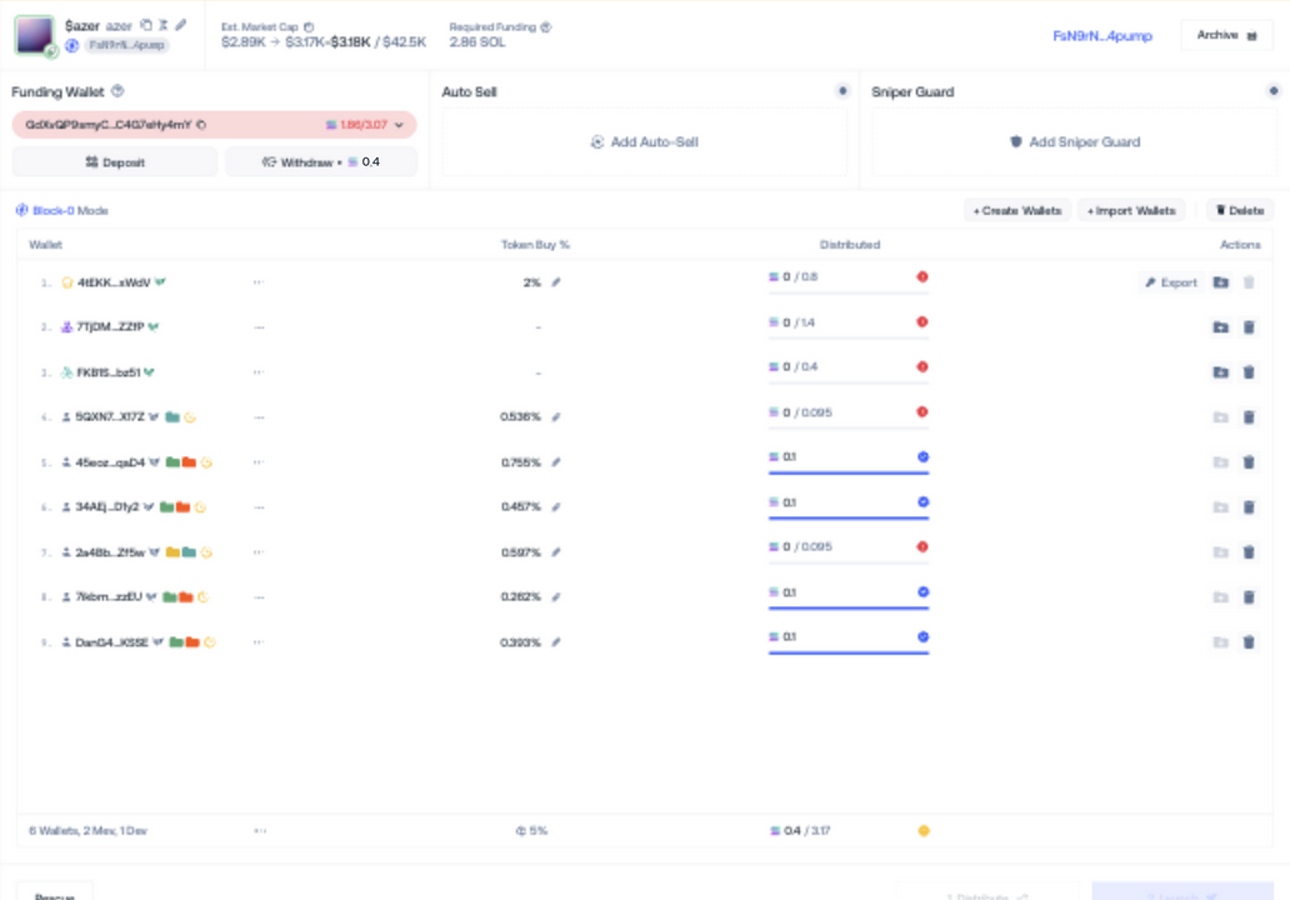
Check the wallet addresses, allocations, execution order, and total required balance. Configure Sniper Guard or Auto-Sell only when they belong to this launch plan.
Choose the distribution
Classic sends the funding asset from the Funder to the planned wallets. For CEX Funding, Husher is the fixed provider and there is no provider selector; choose an available CEX source in the Husher modal. CEX Funding can take up to 20 minutes.
Distribute the funds
Select Distribute. If the launch uses a custom quote asset, wait for distribution to finish and complete the additional Swap to [quote asset] step shown by Proxima.