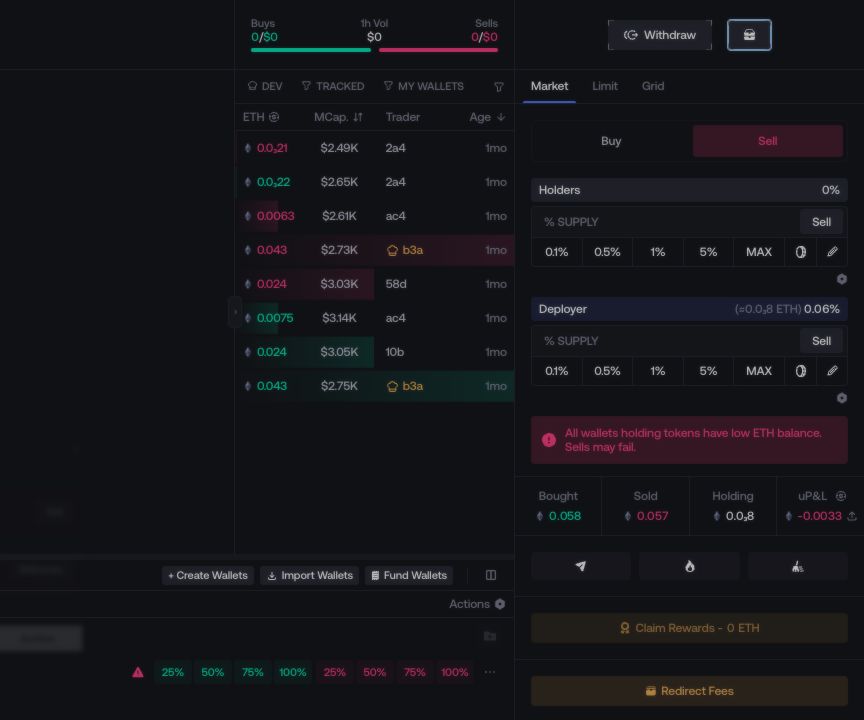
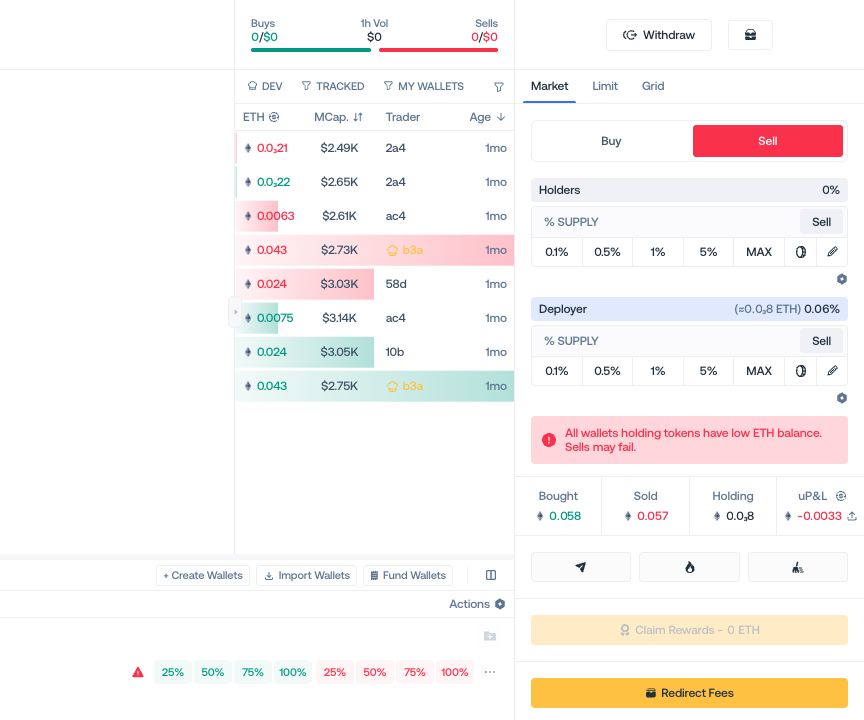
Creator Rewards & Fees
Claim the creator balance shown for a launch or configure how future creator rewards are shared.
Open Creator Rewards from the Live Workspace. Proxima displays only the controls available for the current launch.
Available controls
| Control | What it does |
|---|---|
| Claim Rewards or Collect Fees | Claims the creator balance currently shown for the launch. |
| Edit Creator Rewards Shares | Splits future creator rewards between supported recipients. |
| Claim Trader Cashback | Claims trader cashback for a token configured to use it. |
Claim the available balance
- Select Claim Rewards or Collect Fees, whichever appears for the launch.
- Review the displayed asset, amount, and destination. If Proxima asks for a native balance, fund the wallet identified in the prompt.
- Confirm the claim.
If neither claim control appears, that action is not available for the current launch.
Split future creator rewards
When Edit Creator Rewards Shares is available:
- Add each recipient using a wallet address or GitHub username.
- Assign a percentage greater than zero to each recipient.
- Make sure the complete distribution totals 100%.
- Select Save.
The saved distribution applies to future creator reward claims.
Trader Cashback
On Pump.fun, Trader Cashback redirects creator rewards to eligible traders. It is selected during launch configuration and cannot be changed afterward. When it is enabled, use Claim Trader Cashback instead of a creator reward claim.