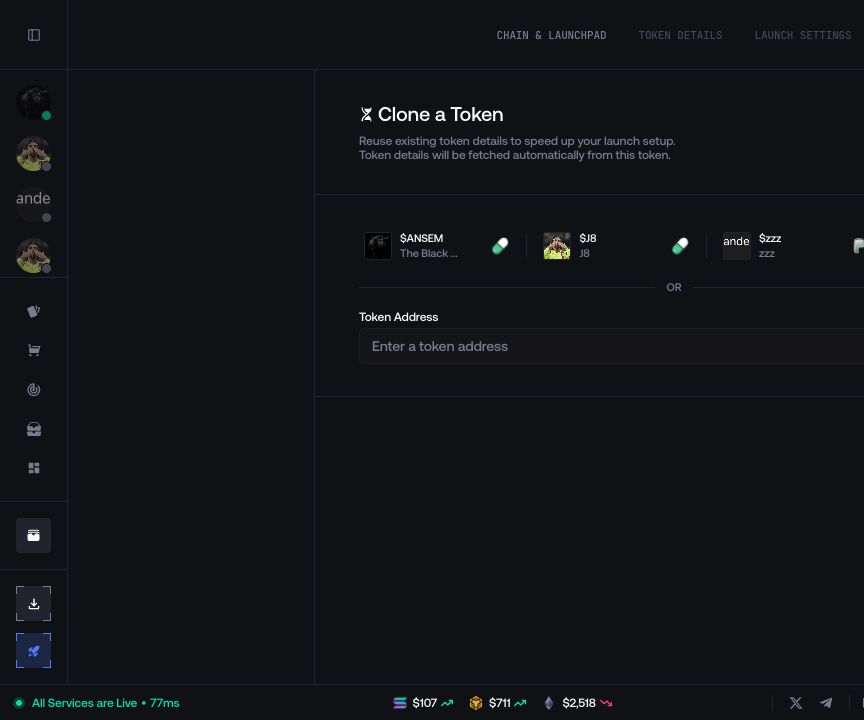
Token Metadata
Set the token identity, image, links, and route-specific fields.
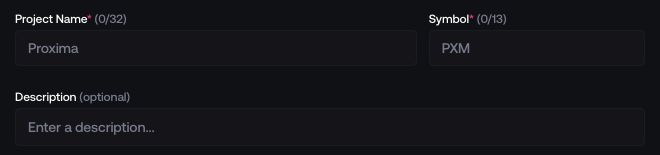
Enter the public identity
Fill in Project Name, Symbol, and Description. The counters show the limits for the selected route.
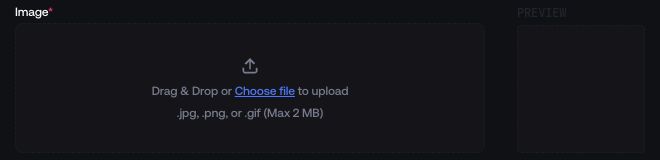
Add the token image
Upload a supported image, adjust the crop when prompted, and check the preview.

Add social links (optional)
Add the project’s X, Telegram, and website URLs when needed.


Use a custom token address (optional)
This field appears only on compatible routes. It accepts the token-mint private key and displays the derived token address.


Create the draft
Select Create to save the metadata and continue to Launch Settings.
Launchpad-specific fields
The fields below the shared metadata change with the selected network and launchpad.
PumpFun and Ansem
Complete the options shown for the active route, such as Ansem settings, creator-reward options, Mayhem Mode, or Trader Cashback.
Bags
When Share Fees is enabled, set every fee recipient and make sure the complete allocation matches the total required by the form.
Four.meme
Choose the available engine and complete any tax or royalty fields displayed for it.
Other routes
Complete the pool, quote-asset, migration, curve, or version fields that Proxima displays for the selected route.
Update metadata
Open the token information panel and select its edit action. Only fields supported by that token and launchpad can be changed; the deployed mint address remains the same.