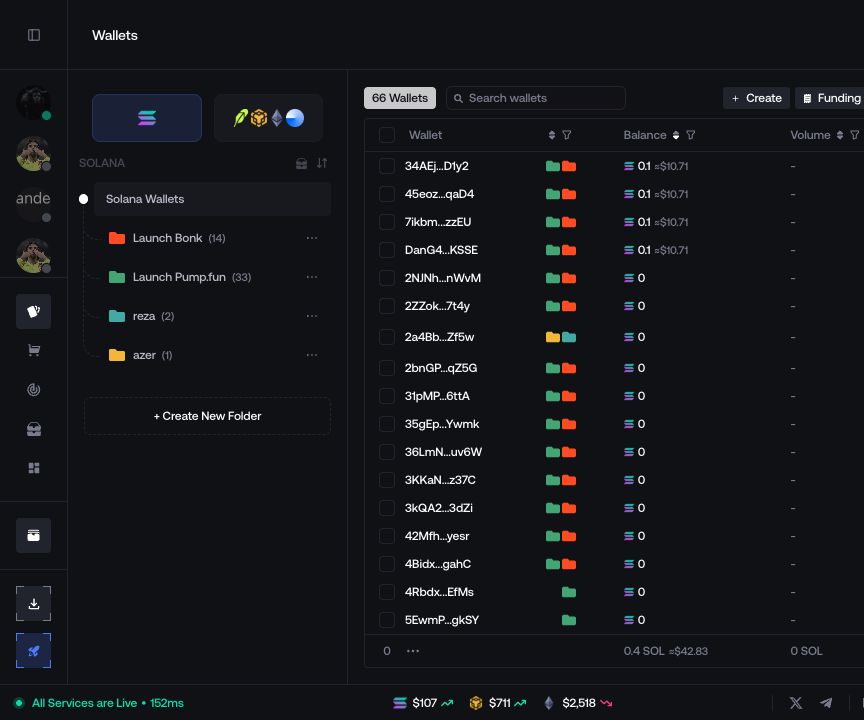
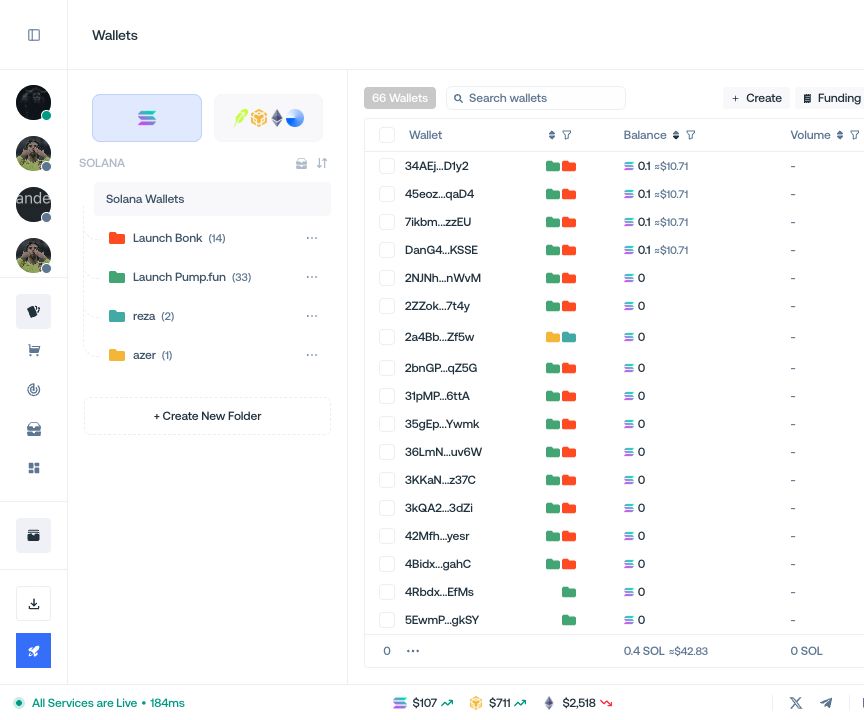
Folders
Organize wallets into reusable groups.
Folders organize wallets without moving their assets or removing them from the main wallet list.
Create a folder
- Select + Create New Folder.
- Enter a name, choose a color, and confirm.
- Select wallets, open Manage, and choose the folders that should contain them.
Manage folders
Use the folder menu to Edit Folder, Archive Folder, or Delete Folder. Archiving or deleting a folder leaves its wallets intact.