Buy & Sell Tokens
Configure manual buys and sells across the selected launch wallets.
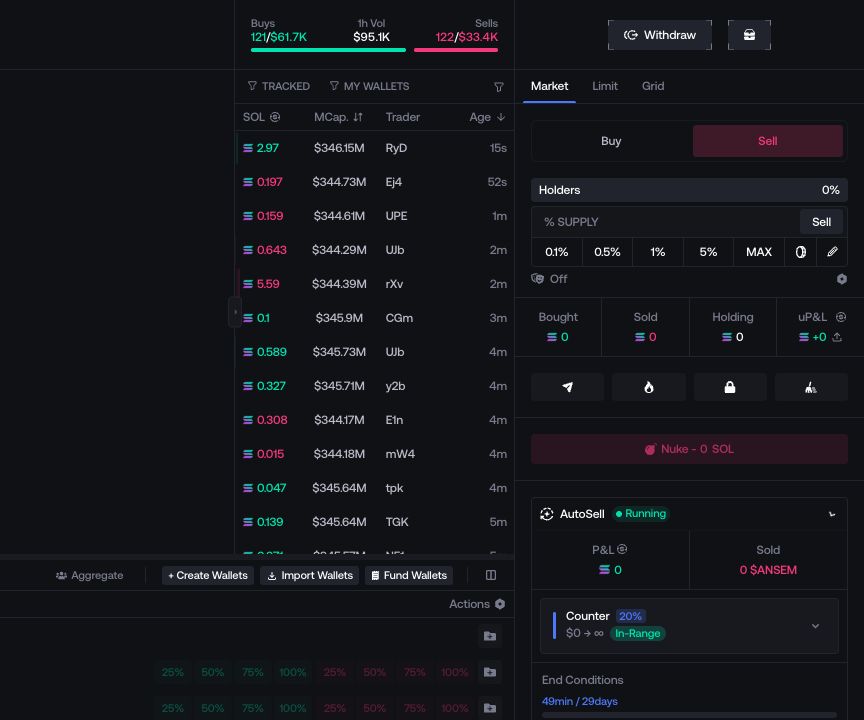
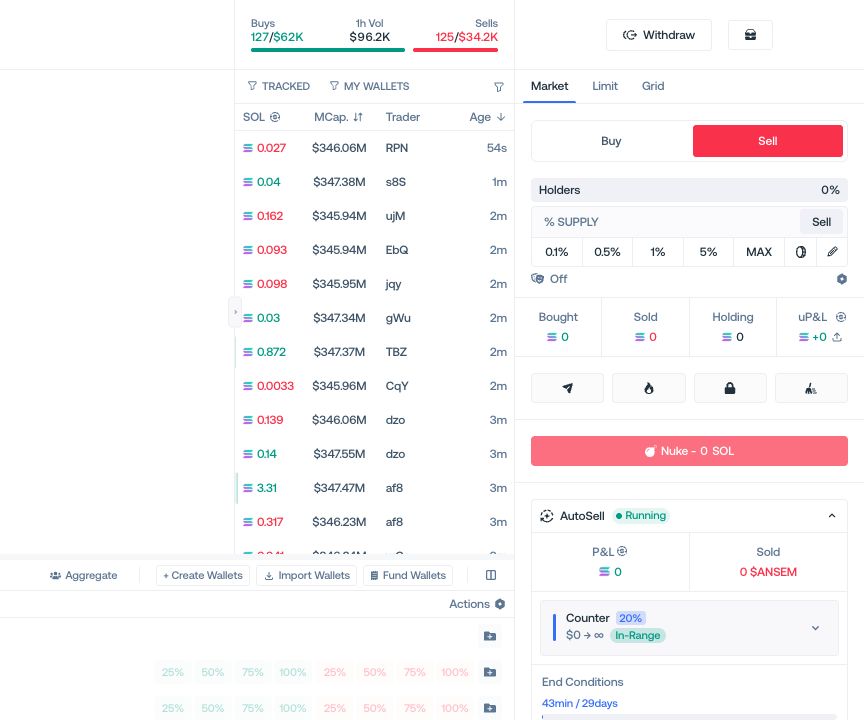
Choose the order mode before entering an amount. Limit and Grid appear only when supported for the active network and launchpad.
Market
Buy or sell against the current market with the selected wallets.
Limit
Set an amount and a target market cap for one pending instruction.
Grid
Create several market-cap instructions with the spacing, line count, and amount distribution shown in the panel.
Choose the side and wallets
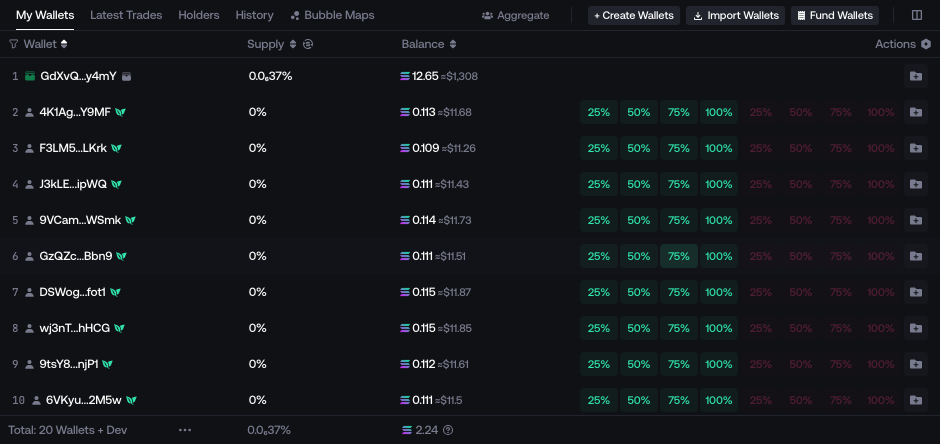
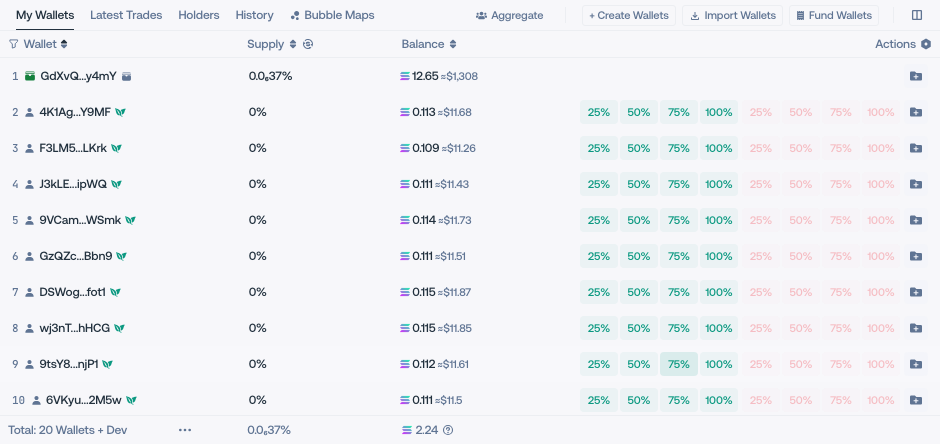
Open Buy or Sell, then select Holders, Deployer, or one wallet from its table row.
Set the amount
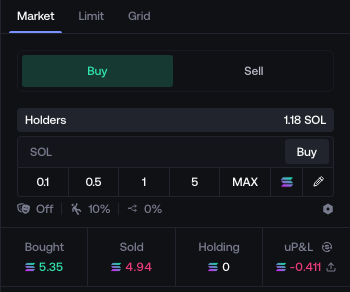
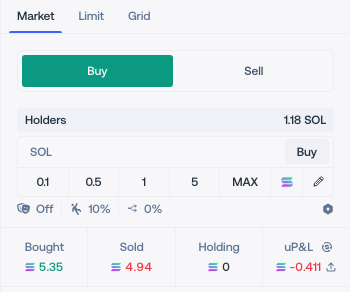
For a Buy, enter the total quote amount. For a Sell, enter the amount and choose whether it is expressed as owned balance, supply, tokens, or quote value.
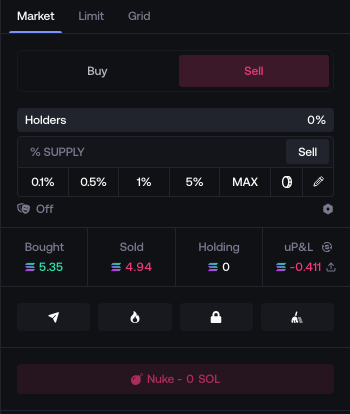
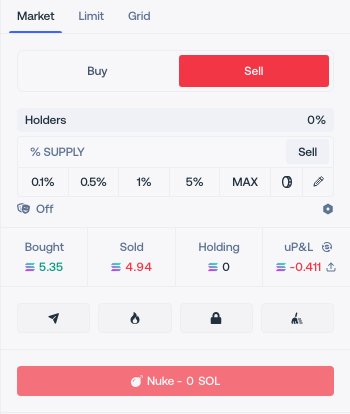
Configure execution
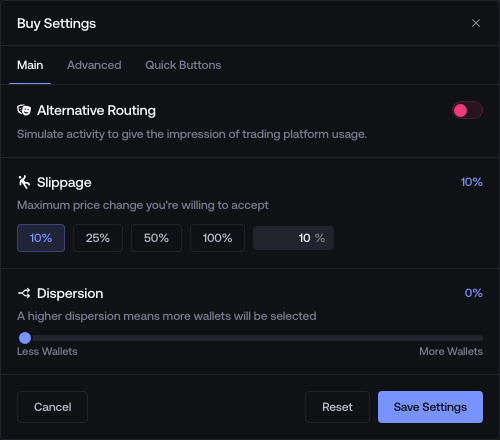
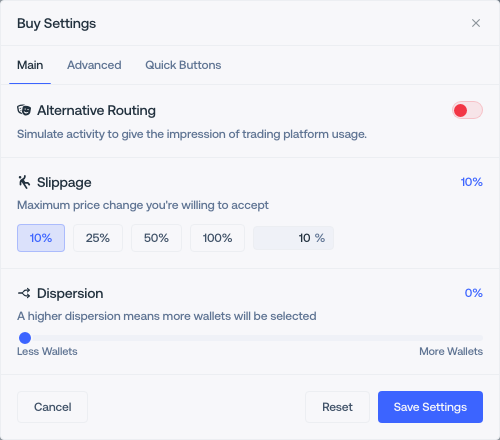
Open the trade settings to change wallet selection, amount distribution, execution mode, slippage, dispersion, or alternative routing.