Launch Settings
Choose the launch mode, allocations, wallets, and funding route.
Reuse a preset (optional)
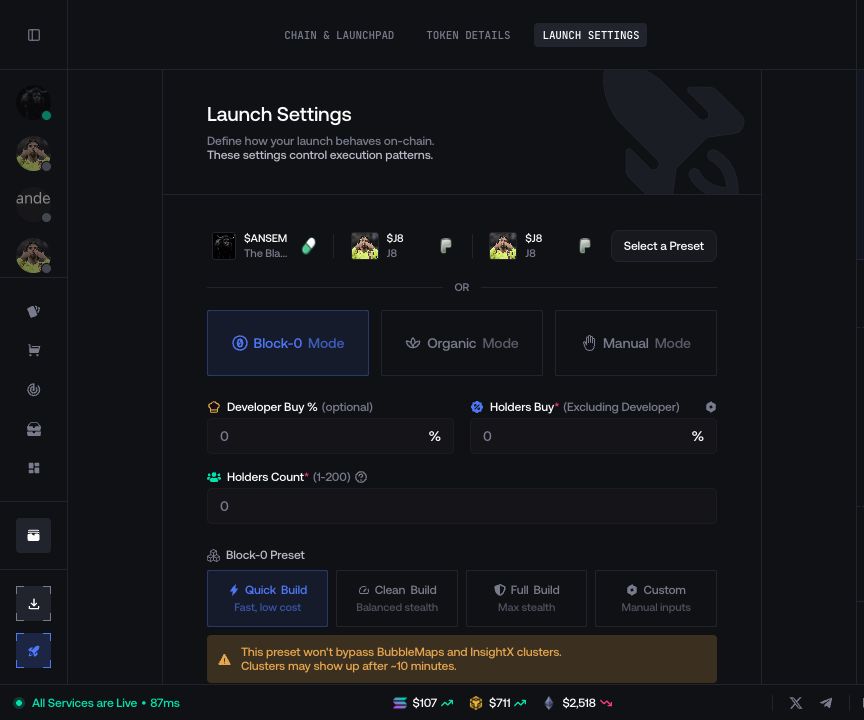
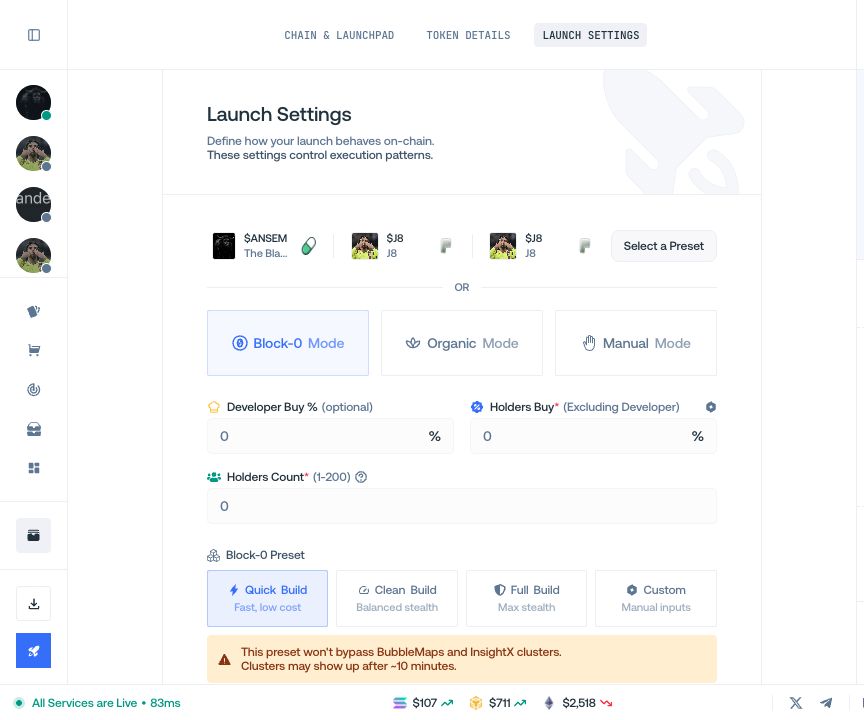
Select a recent launch or open Select a Preset to fill compatible settings. Skip this step to start from scratch.


Choose a launch mode
Select Block-0, Quick, Organic, or Manual when available. Open the launch-mode guide when you need the difference between them.


Set allocation and holders
Enter the developer buy, holder allocation, and number of holder wallets using the units displayed in the form.
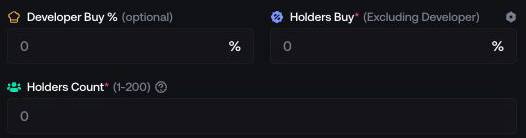
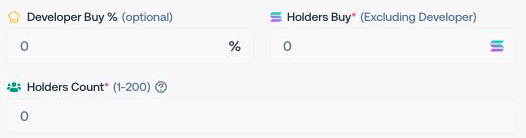
Configure Block-0 when selected
Choose a preset or configure the displayed wallet layers and delays. This section appears only for launch routes that support Block-0.
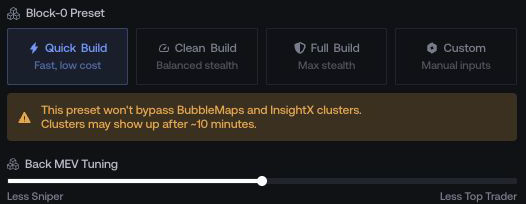
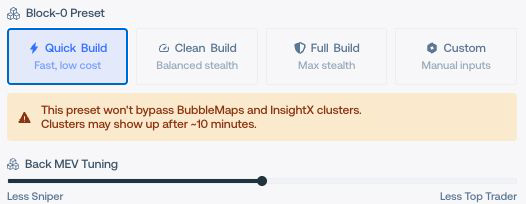
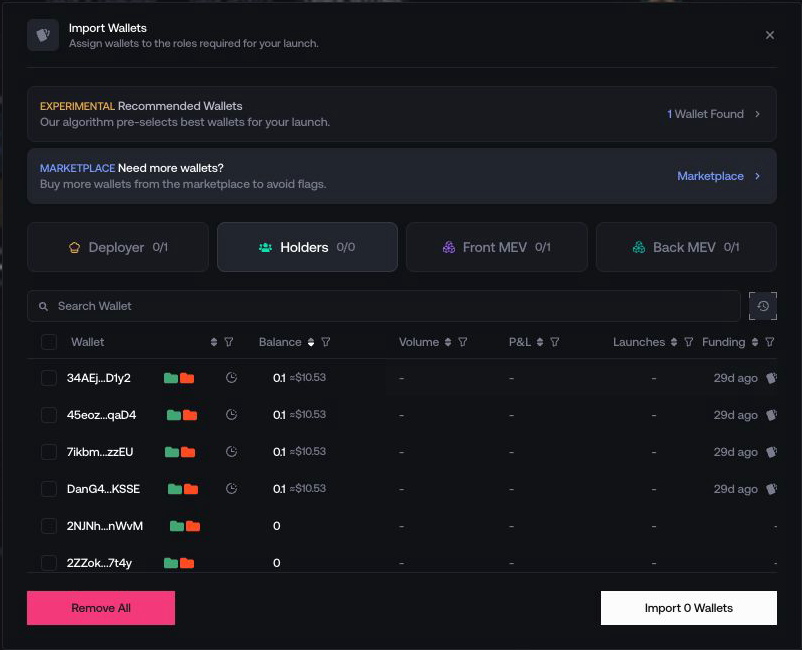
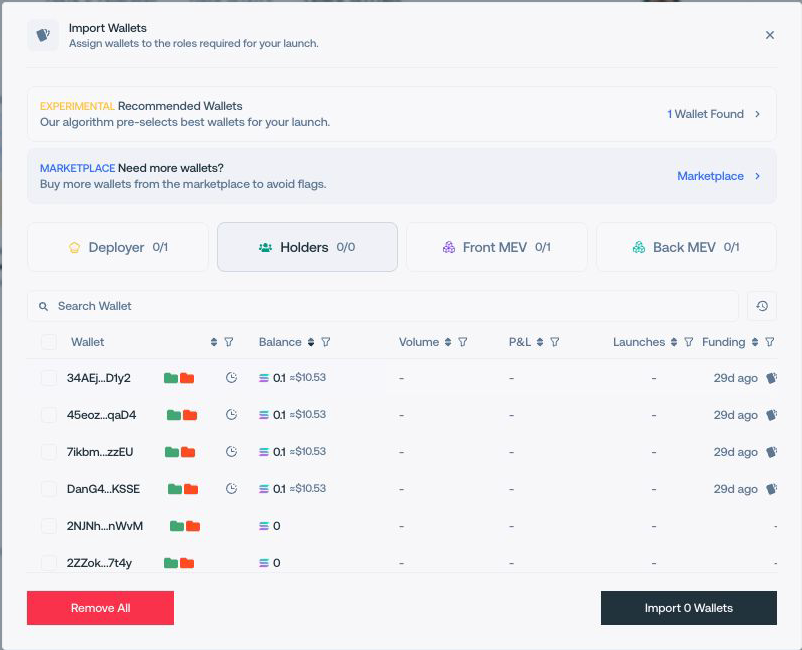
Assign wallets
Import wallets into the roles requested by the plan. The counters show how many wallets are assigned and required.
Choose funding
Keep standard funding or enable CEX Funding when it is available for the selected route.


Use advanced settings only when needed
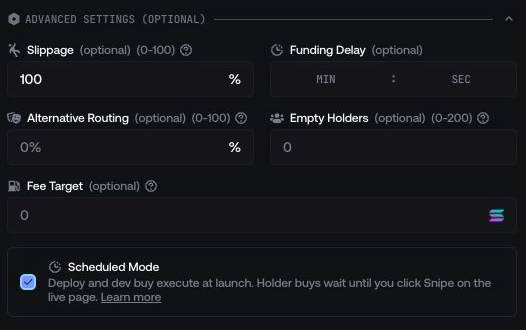
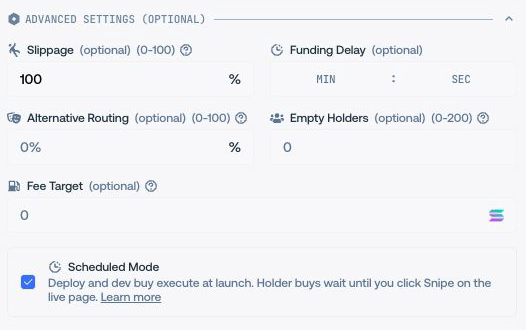
Open Advanced Settings to change the options displayed for this route, such as slippage, funding delay, routing, empty holders, or scheduled execution.