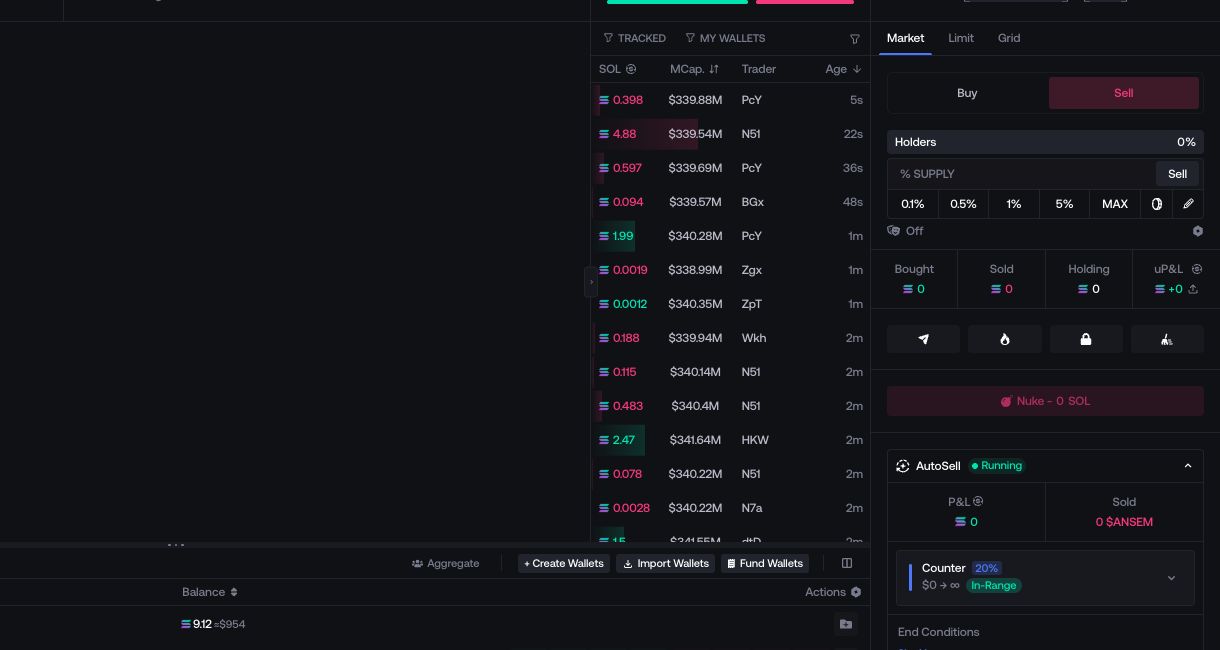
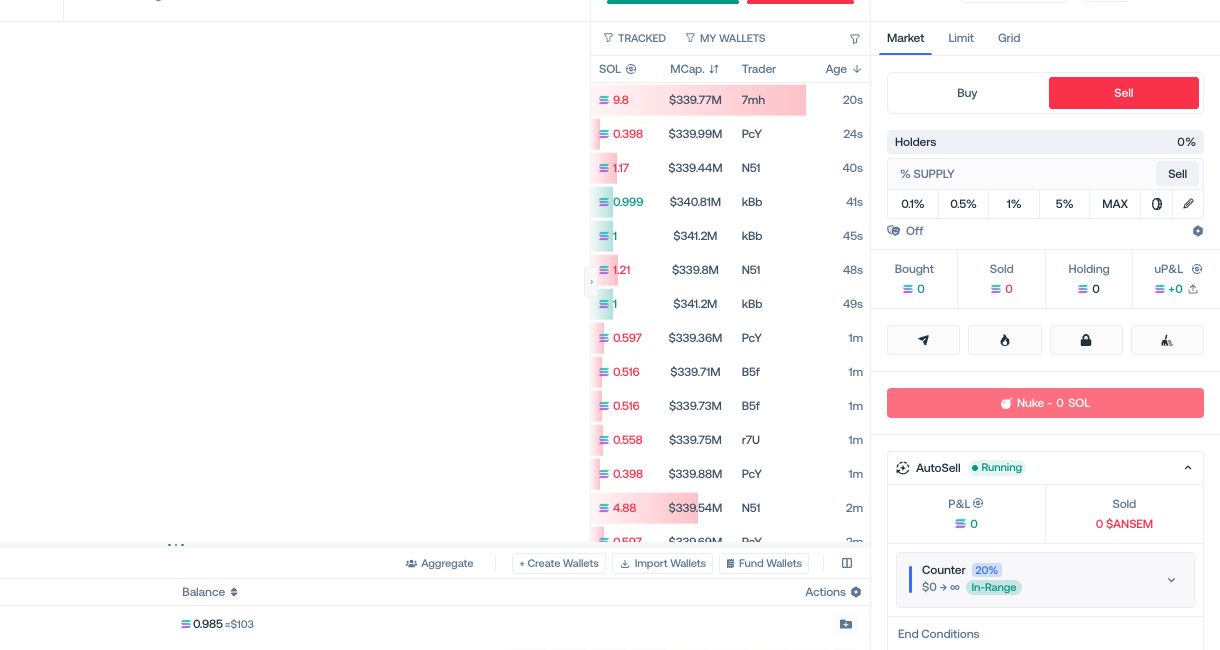
Cleanup
Move a position from one wallet group to another through automated market trades.
Cleanup moves supply through the market rather than transferring tokens directly. In each round, selected input wallets sell and selected output wallets buy. The final amount can differ because both sides execute against live liquidity.
Select the wallet groups
Choose Input Wallets (Sellers) and Output Wallets (Buyers). A wallet should not be used on both sides of the same Cleanup.
Set the timing
Choose the delay between rounds. A fixed value keeps the same interval; a range randomizes each interval between its minimum and maximum.
Review the route
Check the selected groups and current balances. If Double Buy % or Alternative Routing appears under Advanced Options, use it only when it matches the intended route.
Run Cleanup
Select Run. The Cleanup panel shows completed rounds and the changing balances of both wallet groups.