Account Access
Create or migrate an account, choose a login method, and prepare a reliable recovery path.
Create an account
Use this path only if you do not already have a Proxima account.
- Open the sign-up flow from the login screen.
- Enter a username and a valid referral code. A referral link may fill the code automatically.
- Choose the login method you will use for future sessions:
- Email: enter your email address and confirm the one-time verification code.
- Passkey: create a passkey in the prompt opened by your browser or operating system.
- Wallet: connect the intended wallet and sign the authentication message.
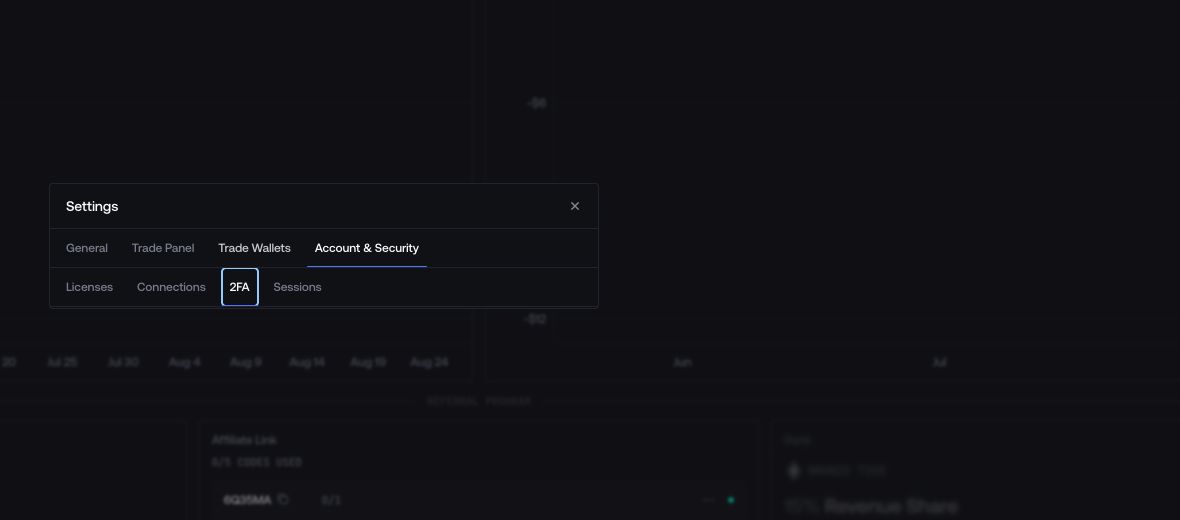
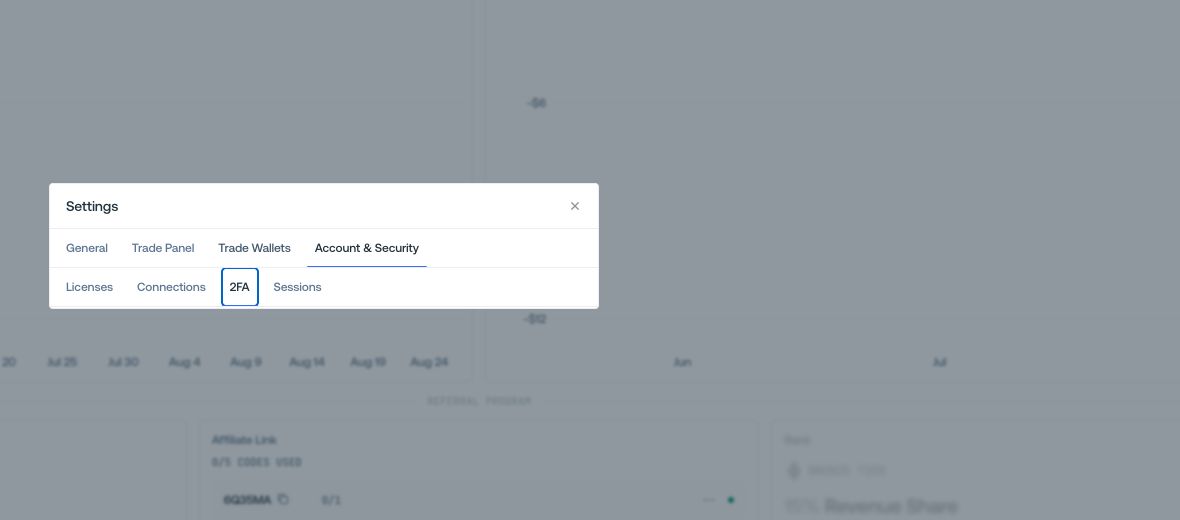
After setup, confirm the linked method in Settings > Connections.
Log in
Use a method that is already linked to the account:
- Email: request a verification code and enter it on the next screen.
- Passkey: select Log in with Passkey and complete the device prompt.
- Wallet: connect the previously linked address and sign the authentication message.
License-key accounts
If the account still uses a license key, select Migrate my License Key, enter the full key, then link one of the available login methods. This migration is performed once; future sessions use the linked method.
If login fails
Try another method previously linked to the account. If another session is still open, check Settings > Connections before creating a new account.