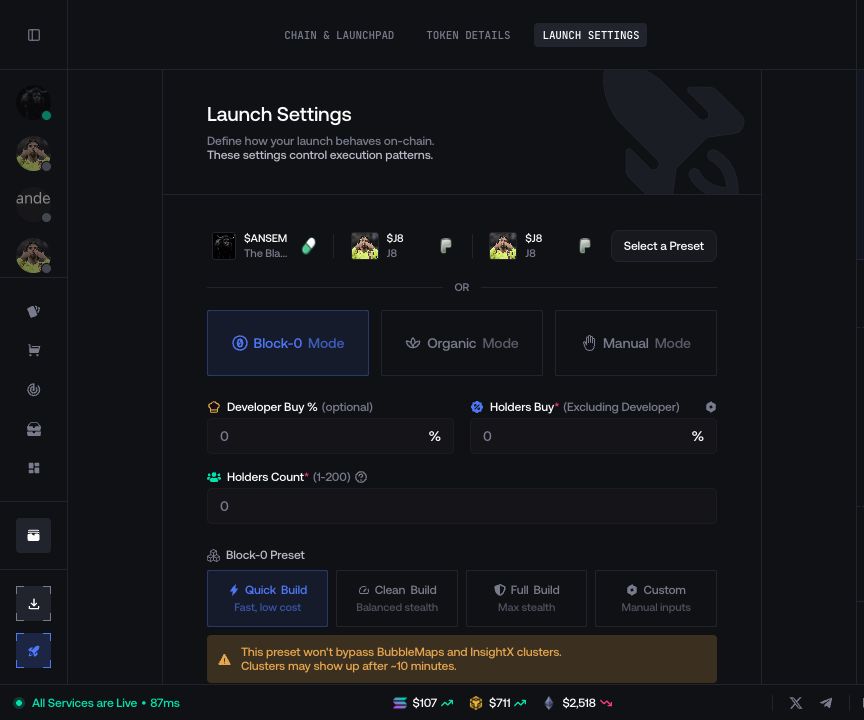
Block-0 Configuration
Configure Block-0 when it is available for the selected launch.
Block-0 appears in Launch Settings only when the current network and launchpad support it.
Configure Block-0
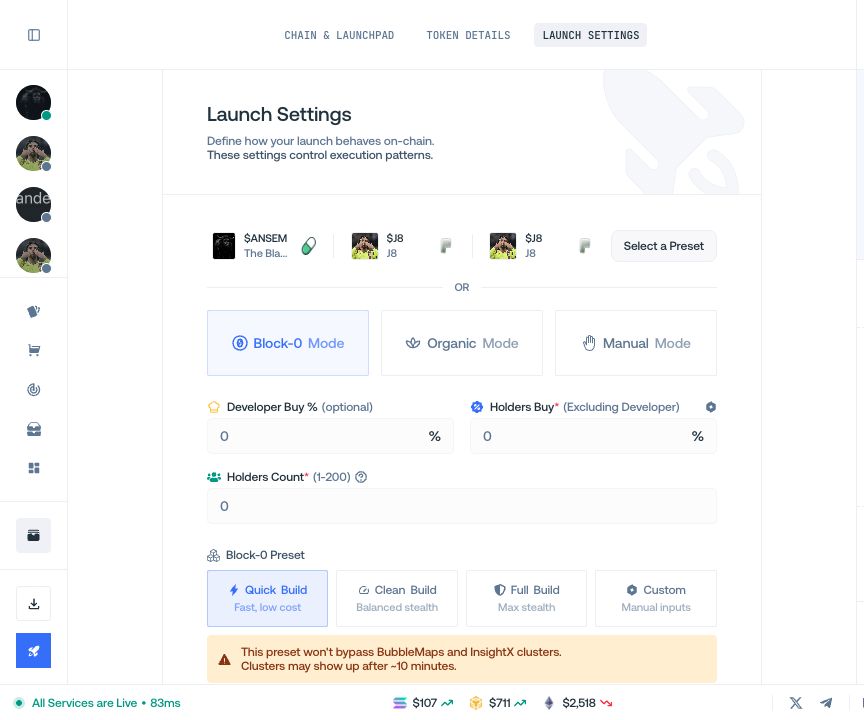
- Select Block-0 as the launch mode.
- Complete the Block-0 fields displayed for the current launch.
- Check the updated wallet allocation and funding requirement.
- Save the launch settings.
The available fields and limits are defined by the active launch configuration. If Block-0 is not displayed, it is not available for that launch.