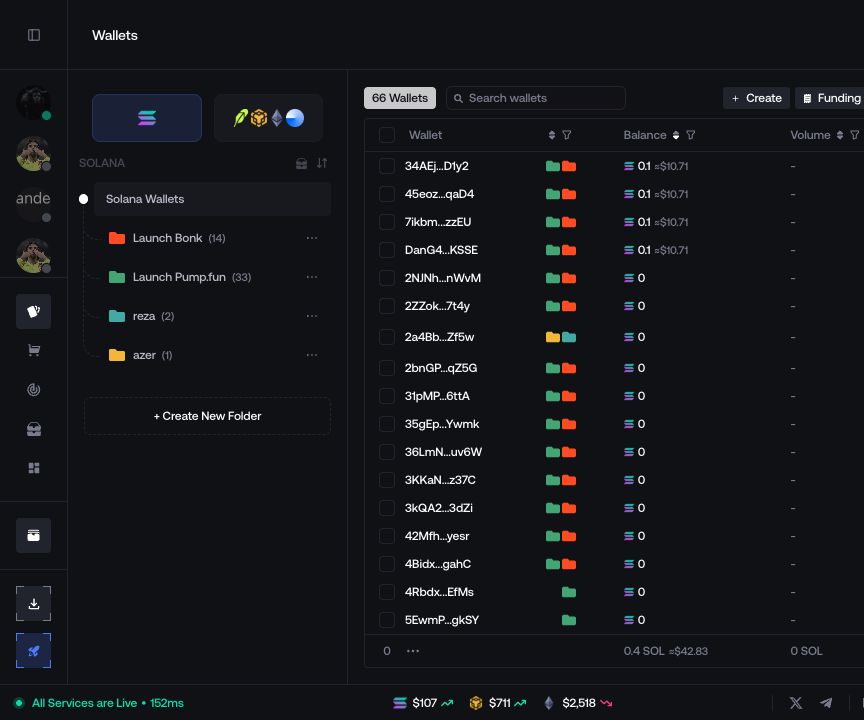
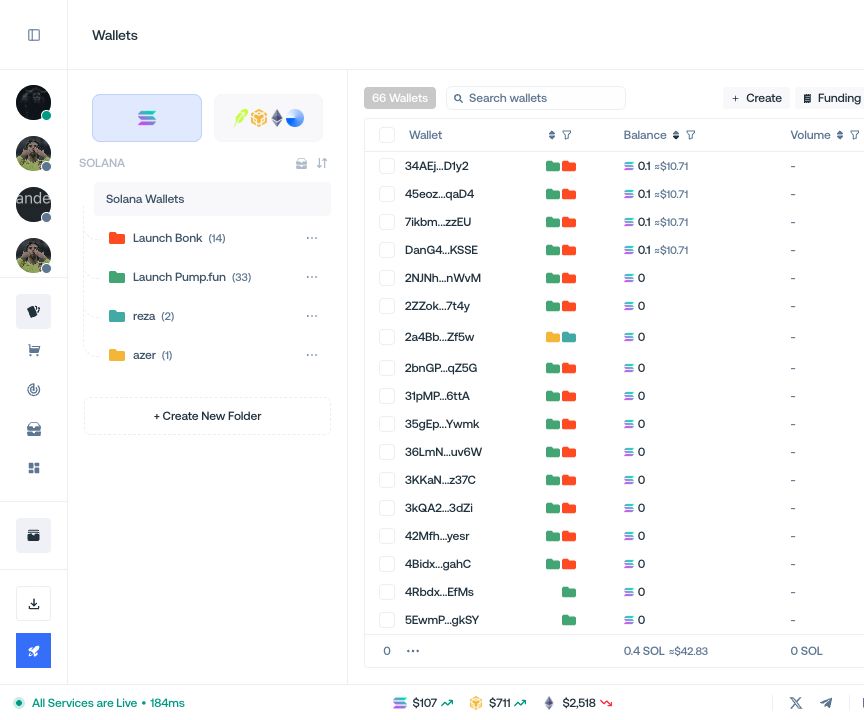
Fund Wallets
Send native or quote assets to selected wallets.
Fund a selected group of wallets from My Wallets.
Configure funding
- Select the destination wallets and open Funding.
- Choose Classic Funding or CEX Funding when it is available for the network.
- Enter a fixed amount or a range, then set an optional Funding Delay.
- Select the funding source and start the transfer.
The progress view shows which destination wallets have been funded and which transfers failed.