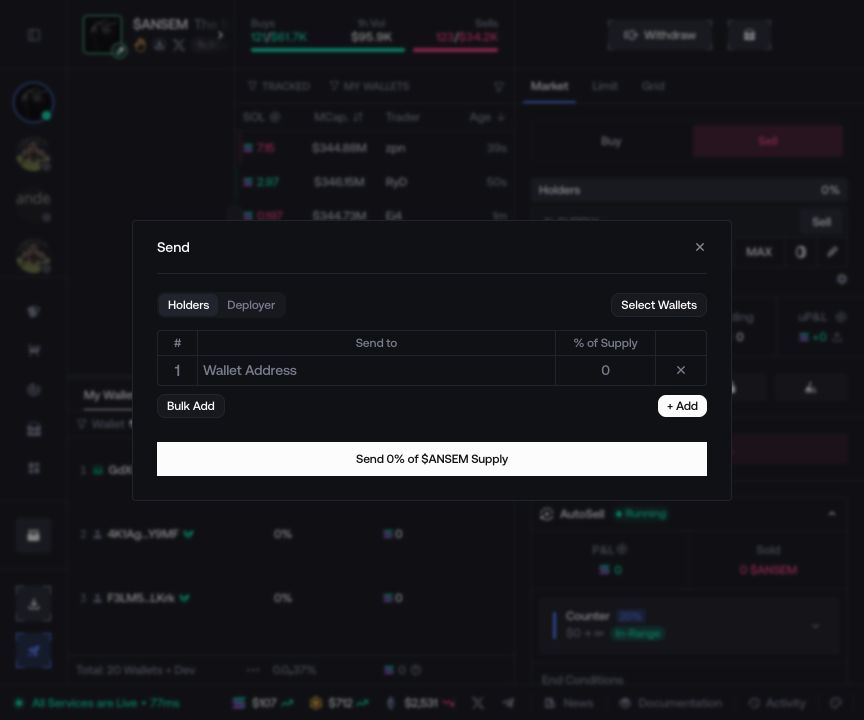
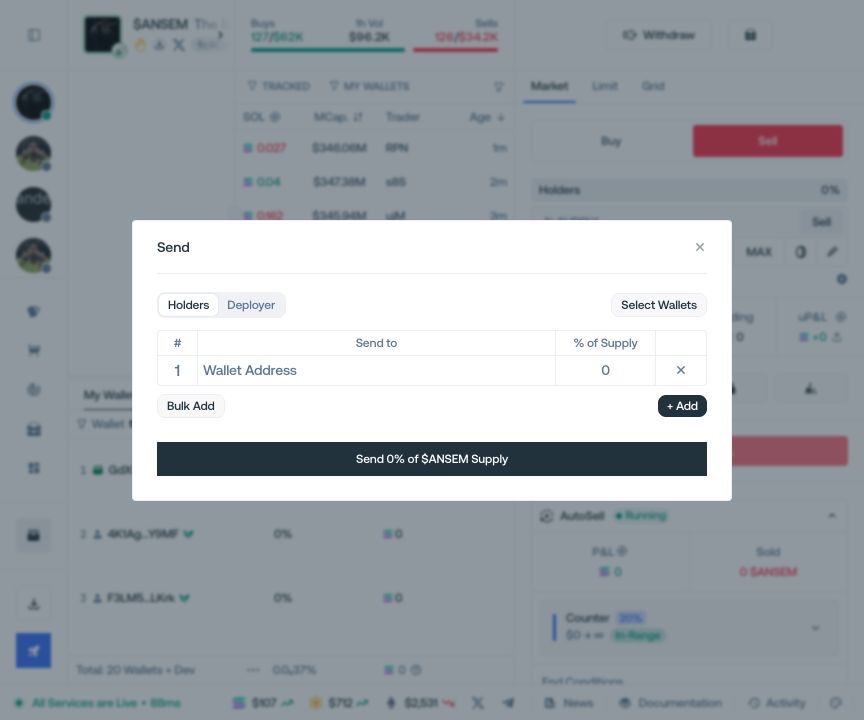
Send Tokens
Transfer token supply from holder or deployer wallets to one or more recipients.
Choose the source
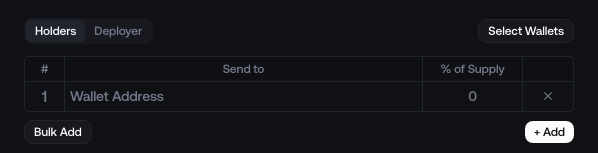
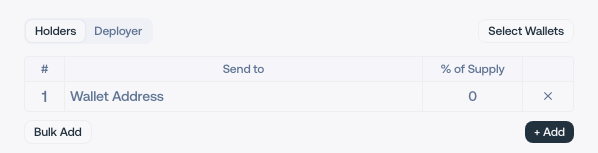
Select Holders to use holder wallets or Deployer to send from the developer wallet.


Add recipients
Add recipients one by one, or open Bulk Add and enter one
address:percentagepair per line.<recipient-wallet-1>:0.5<recipient-wallet-2>:0.5<recipient-wallet-3>:0.5This example assigns 0.5% of the supply to each recipient. Replace every placeholder with a valid address for the active network.
Review and send
Check the source, full recipient addresses, percentages, token, and network, then select Send.