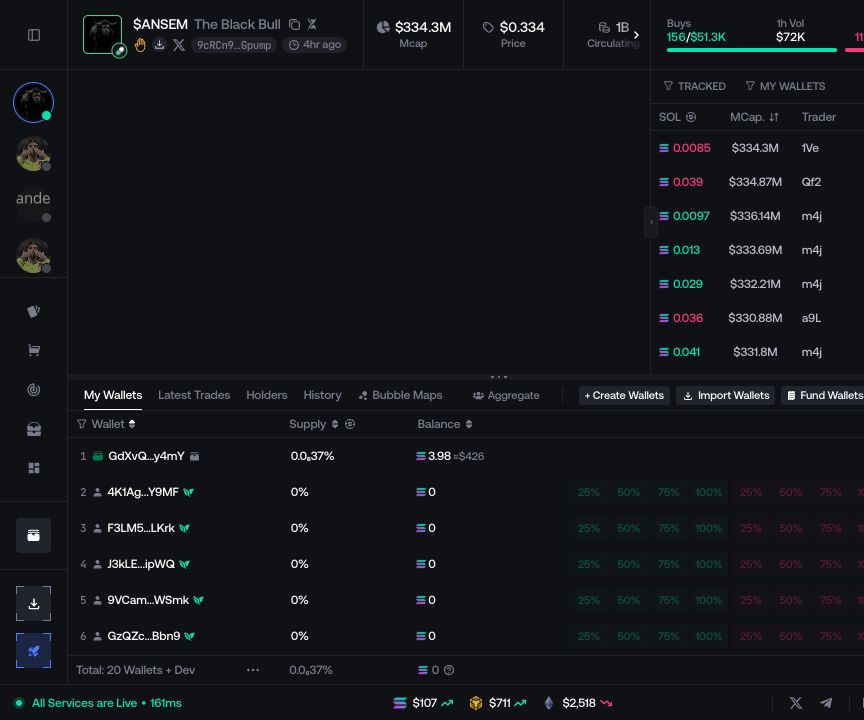
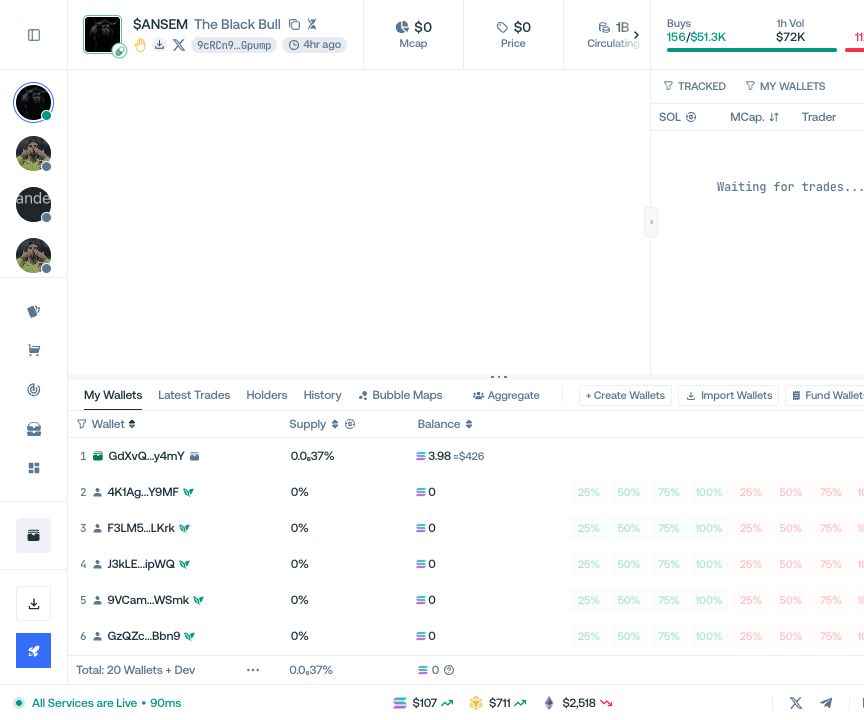
Tracker
Label, import, bookmark, and export wallet addresses from one account list.
Tracker keeps known addresses identifiable across Proxima. A tracked wallet can have a name, marker, and bookmark state.
Add one address
Select Add Wallet, enter the full address, add a recognizable name and marker, then select Track.
Import several addresses
Select Bulk Add and paste or import the wallet list. Review the parsed addresses before saving the batch.
Track an address from the workspace
Use the tracking action beside a wallet in the Live Workspace, Trade Feed, or wallet table. The address is added to Tracker without leaving the current task.
Manage the list
Use the network selector to show all wallets or filter the list by network.
Sort by Added or Wallet. Bookmarked entries remain at the top.
Edit a wallet to update its name or marker, or remove it when it is no longer needed.
Use Export to download the list. Remove All removes multiple Tracker entries after confirmation.
Bookmark a withdrawal destination
Select the ribbon icon to bookmark an entry. Bookmarked addresses appear in the withdrawal recipient selector.