Live Workspace
Read the live launch, operate its wallets, and manage manual or automated execution.
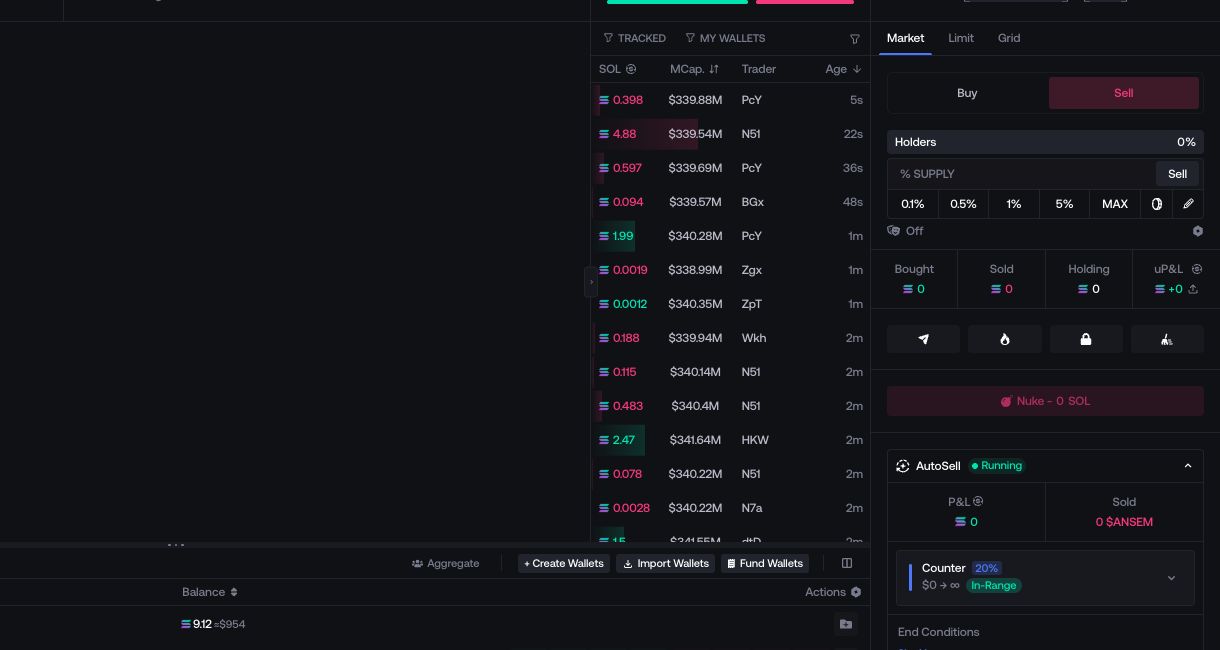
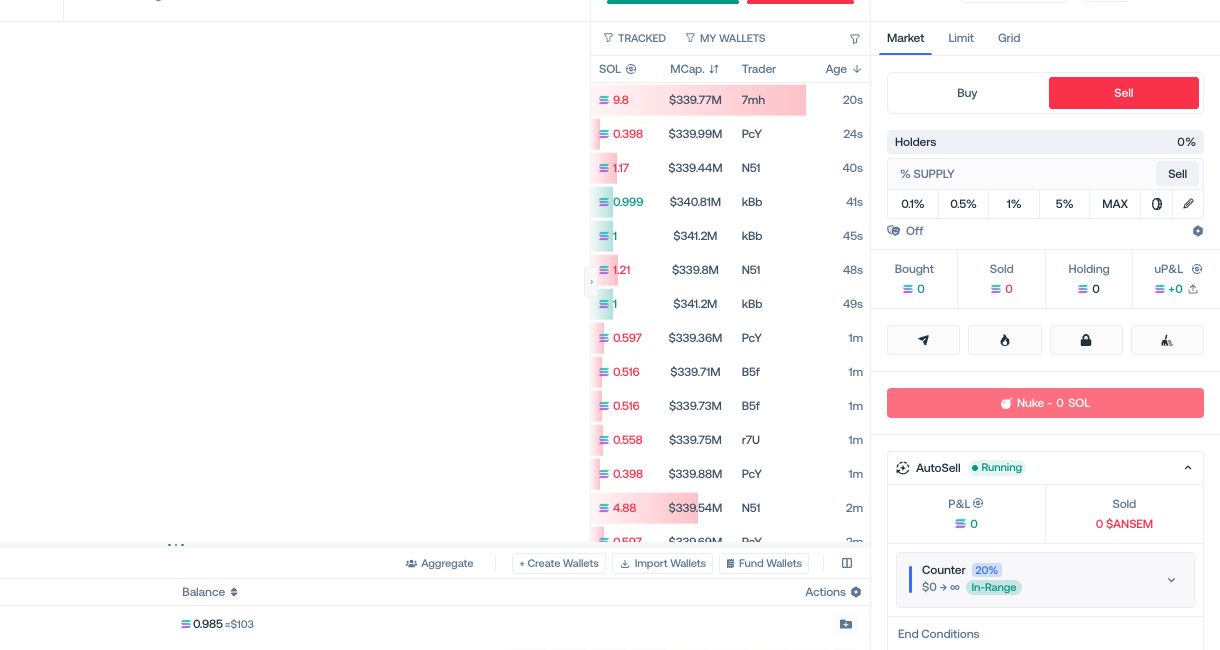
The Live Workspace brings the active token, market activity, launch wallets, manual trading, quick actions, and running automations into one screen.
Launch controls
Use the header to read the token identity, network, contract, market metrics, launch status, and available launch actions.


Chart controls
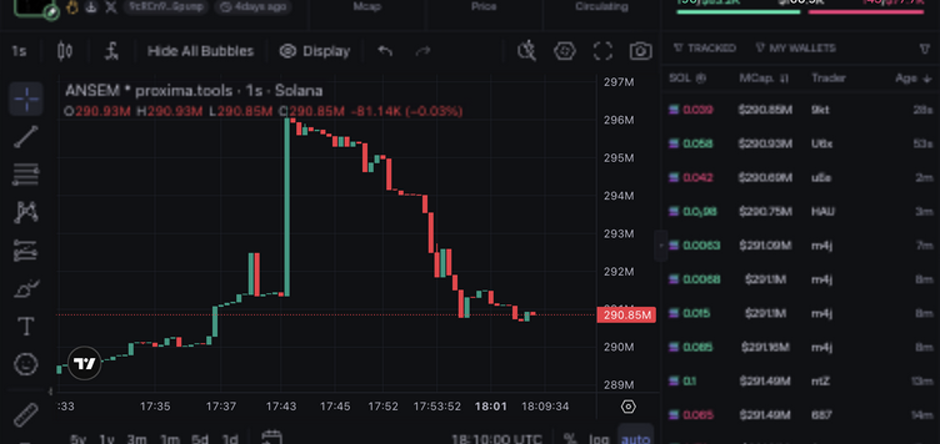
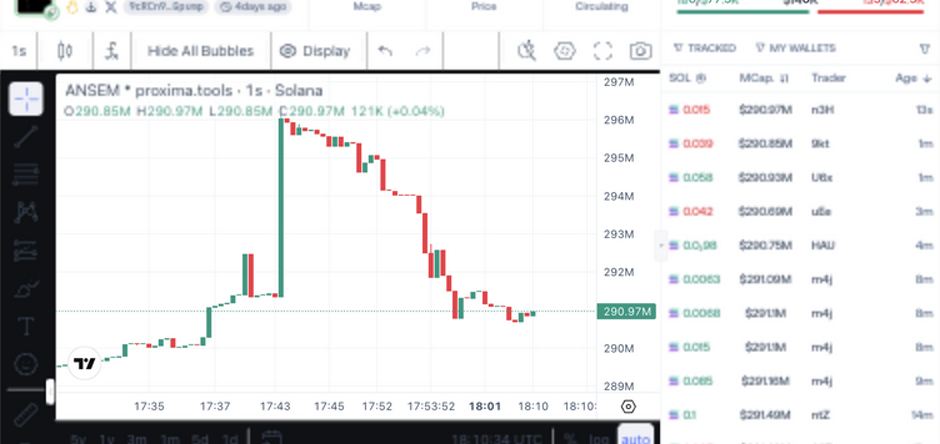
Use the chart controls to change the market view and display wallet markers, tracked wallets, automation bubbles, market-cap ranges, and pending limit levels when available.
Wallet controls
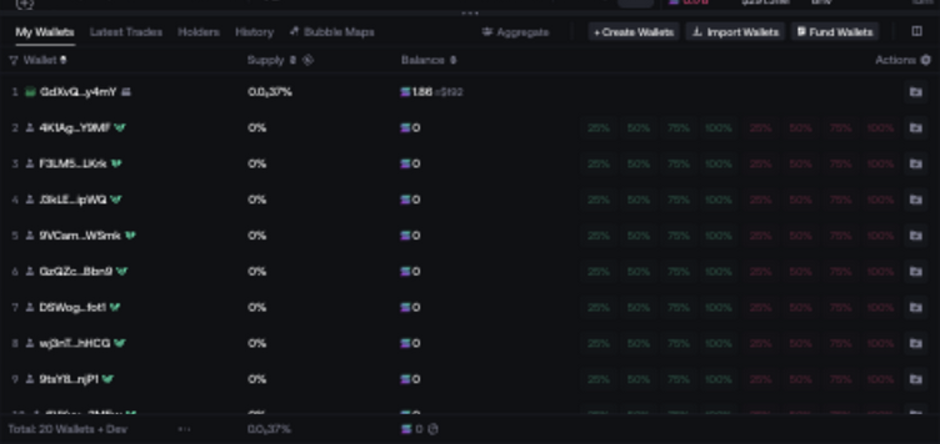
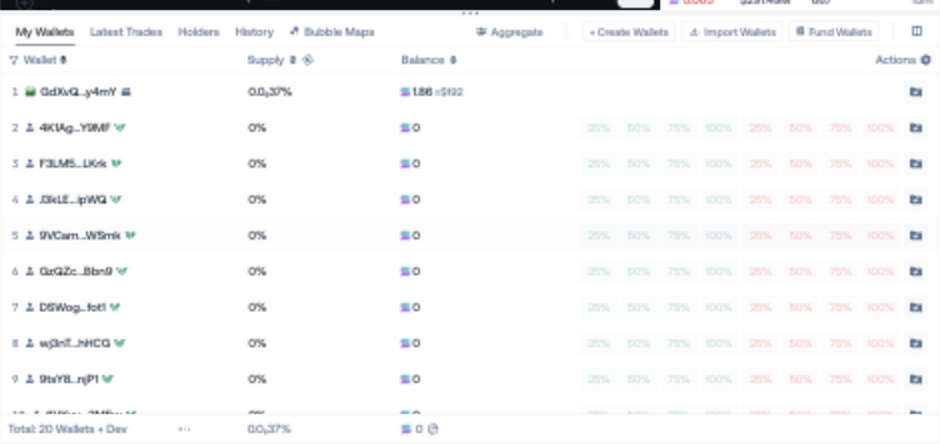
Use My Wallets, Latest Trades, Holders, History, and Bubble Maps to read balances and activity. Available tabs depend on the launch.
Execution controls
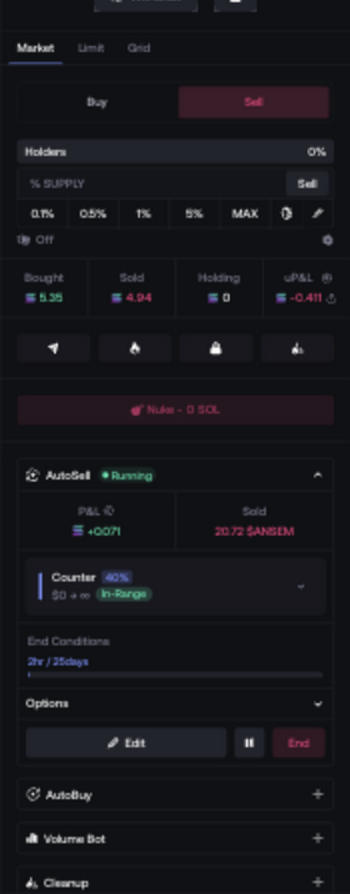
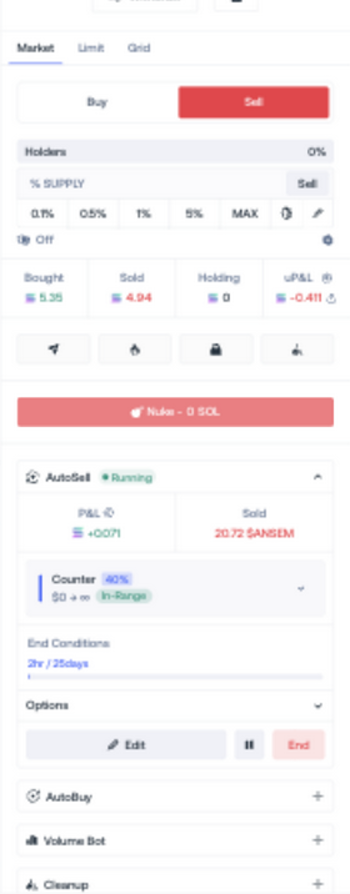
Use the right-hand panel for manual trades, transfers, token actions, and persistent automations. The controls displayed depend on the active launch.
Availability can change with the network, launchpad, token state, and permissions retained by the launch.