Auto-Buy
Automate buys from the Live Workspace with Counter Trading, DCA, or market-cap targets.
Open AutoBuy in the right-hand panel of a live launch, then select Configure.
Choose a strategy
Counter Trading reacts to detected sells, DCA buys on a fixed or random delay, and Limit Orders buys at market-cap targets. Use Add Strategy to combine modes; two strategies of the same type cannot have overlapping market-cap ranges.
Set its scope
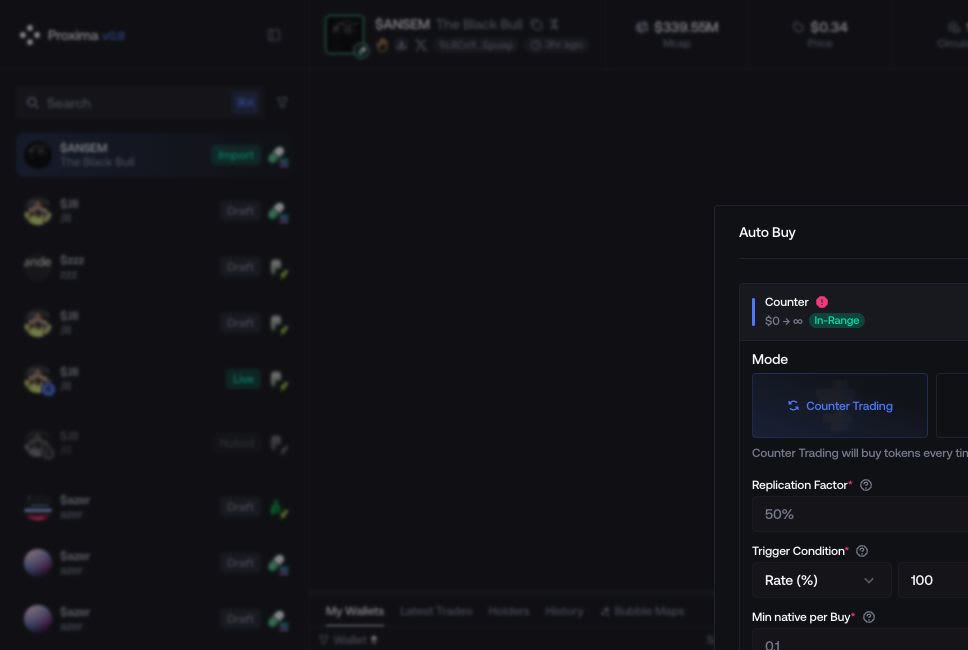
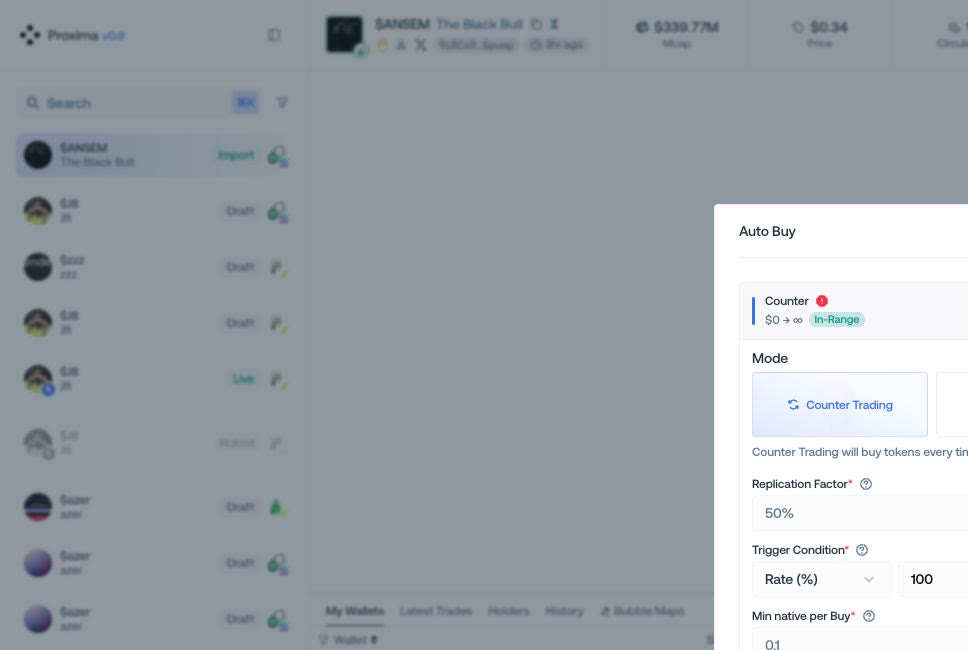
Enter the amount and the trigger, delay, or targets required by the mode. For Counter Trading, Swap Rate randomly triggers a response to each observed sell; Replication Factor sets the amount bought after a trigger. Changing one does not change the other. You can instead use a minimum native amount or minimum token amount. Market Cap Range, Strategy Details, and the whitelist affect only this strategy.
Set the session limits
Open Advanced Options for start delay, slippage, wallets, and global end conditions. Global limits stop the complete session; strategy limits stop only their strategy. When amount and duration are both set, the first one reached stops execution.
Run and monitor
Review the summary, select Run, then use the live panel to edit, pause, resume, or end the session.